How to Buy, Top Up and Refund a T-money Card in Korea (2026)
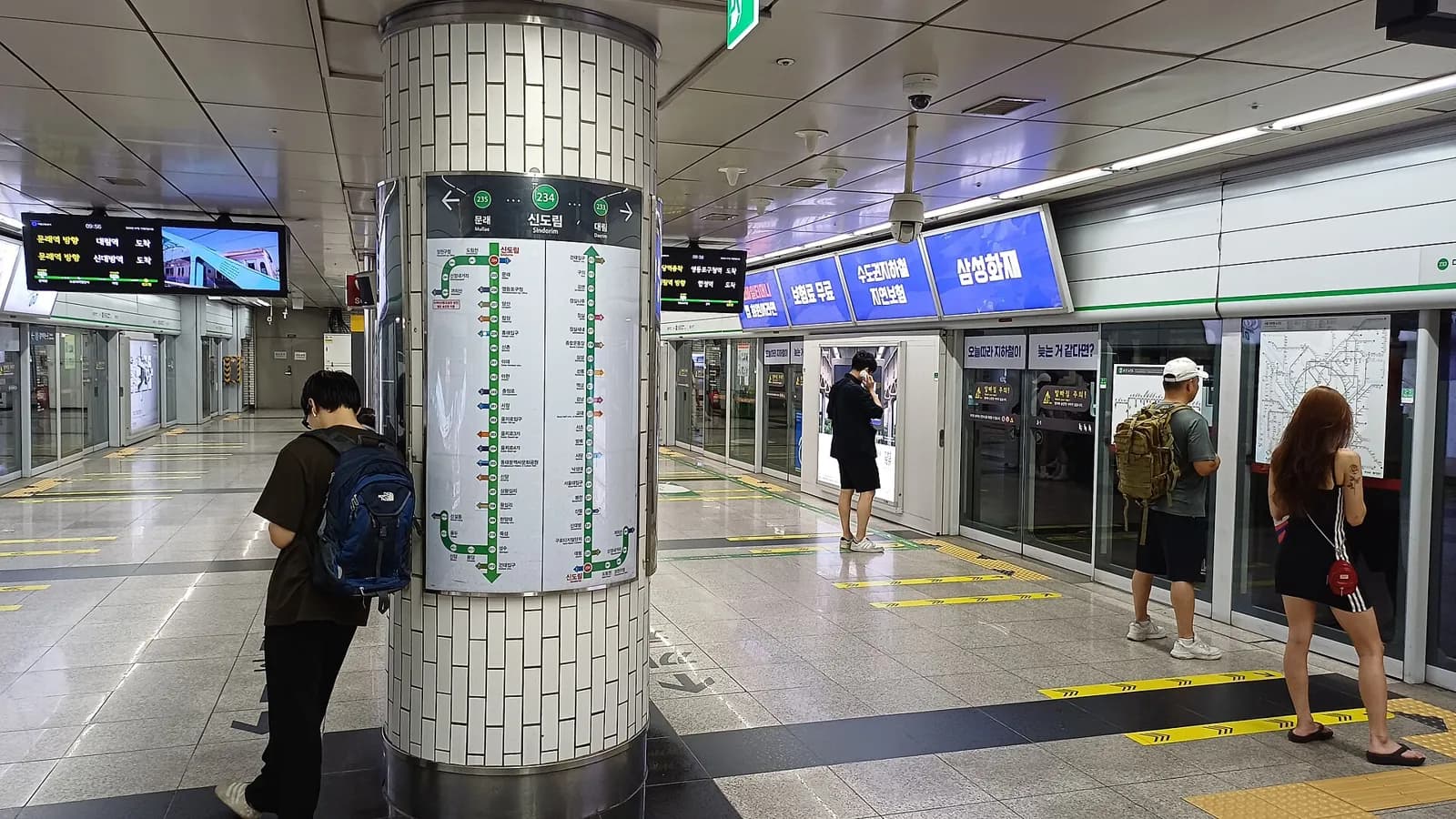
Summary
Buy a T-money card at a convenience store such as GS25, CU, 7-Eleven or emart24. Basic cards cost ₩3,000 and tourist versions up to ₩6,000. The card starts empty, so top it up with cash, ₩1,000 to ₩90,000 at a time. Tap it when you enter and leave. As of October 2026, a plastic card cannot be topped up with a foreign credit card, but the iPhone Mobile T-money app accepts some foreign cards. Refunds cost ₩500.
At a glance
- Card price
- ₩3,000 basic; up to ₩6,000
- Where to buy
- GS25, CU, 7-Eleven, emart24
- Top-up
- ₩1,000–₩90,000, cash
- Max balance
- ₩500,000
- Foreign cards
- Not accepted on plastic card
- Refund fee
- ₩500
Step by step
How to buy and top up a T‑money card
Step 1 of 12 · Buy a card at a convenience store
1Ask for a card
Basic card ₩3,000; tourist versions ₩4,000–₩6,000
티머니 카드 주세요timeoni kadeu juseyoA T‑money card, please
Read all steps as text
1. Ask for a card
Basic card ₩3,000; tourist versions ₩4,000–₩6,000
Korean you will see: 티머니 카드 주세요 = A T‑money card, please
2. Top up with cash at the counter
Top it up with cash at the counter
Korean you will see: 만 원 충전해 주세요 = Please top up ₩10,000
3. Find the reload machine
Find the ticket and card reload machine
Korean you will see: 1회용 발매·교통카드 충전기 = Ticket vending and card reload machine
4. Tap 교통카드 충전
Tap “Top up transit card”
Korean you will see: 교통카드 충전 = Top up transit card
5. Put your card on the reader
Put the card on the reader and leave it there
Korean you will see: 교통카드 충전하는 곳 = Place transit card here
6. Choose the amount
Choose the amount
Korean you will see: 충전금액을 선택한 후 현금을 투입하여 주십시오 = Select the amount, then insert cash
7. Insert cash
Insert cash: notes or coins
Korean you will see: 지폐 넣는 곳 = Insert bills here
8. Wait until it's complete
Wait until it's complete, then take card and change
Korean you will see: 충전이 완료된 후 교통카드 및 거스름돈을 가져 가십시오 = When the top-up is complete, take your card and change
9. Tap in at the gate
Tap on the reader to the right of the gate
10. Tap out when you leave
Tap again when you leave
Korean you will see: 나가는 곳 = Exit
11. Check the balance in the app
Hold the card to the back of the phone
Korean you will see: 충전 및 잔액조회 = Top up and check balance
12. Ask for a refund
Ask for a balance refund at a convenience store
Korean you will see: 잔액 환불해 주세요 = Please refund the balance
Korean for this
티머니 카드 주세요
timeoni kadeu juseyo
A T-money card, please
만 원 충전해 주세요
man won chungjeonhae juseyo
Please top up 10,000 won
잔액 환불해 주세요
janaek hwanbulhae juseyo
Please refund the balance
Details
A T-money card is a prepaid transit card. You load money onto it, then tap it on subway gates and bus readers, and T-money says it works on public transport across the country. This guide shows where to buy one, how to top it up at a station machine, how to check the balance and how to get your money back before you fly home.
Before you start
- Korean won in cash. You top up a plastic T-money card with cash. The only card top-ups T-money lists are for cards issued by Korea's Woori Bank, so a foreign credit card will not work for a plastic card. ₩1,000 and ₩10,000 notes are the easiest.
- One card per person. Subway fares depend on distance, and Seoul Metro says one card covers one passenger. Each traveler in your group needs a card.
- A rough budget. As of October 2026 a subway trip costs ₩1,550 with a card for the first 10 km. Load roughly what you will use. Refunds have a fee and limits (Step 5).
- iPhone users: you can skip plastic and use the Mobile T-money app with Apple Wallet. See the questions at the end.
Step by step
Step 1 — Buy the card at a convenience store
Look for the T-money logo at the counter of a 편의점pyeonuijeomConvenience store. T-money lists GS25, CU, 7-Eleven, emart24, C·space and Storyway as sellers, and Incheon International Airport as a place to buy.
Prices on T-money's own pages in October 2026:
- Basic designs: ₩3,000.
- Tmoney Travel Card, made for foreign visitors: ₩4,000, sold at convenience stores and at the staffed bus ticket booths in Incheon Airport.
- Tmoney Travel Card +, which adds a WOWPASS payment function: ₩6,000 at convenience stores.
- Some special designs cost more, such as a ₩5,000 card sold by AREX.
The older Korea Tour Card is no longer sold, according to T-money.
A new card has no money on it. T-money says a card must be charged before you can use it, so ask for the card and a top-up in one go and pay the top-up in cash:
- 티머니 카드 주세요timeoni kadeu juseyoA T-money card, please
- 만 원 충전해 주세요man won chungjeonhae juseyoPlease top up ₩10,000
Step 2 — Top up at a subway station machine
Top up again at a convenience store counter or at a station machine labelled 1회용 발매·교통카드 충전기ilhoeyong balmae gyotongkadeu chungjeongiTicket vending and card reload machine. The same machine sells single-journey tickets, so pick the right button.
- The start screen has language buttons at the bottom: 한국어hangugeoKorean, ENGLISH, 日本語 and 中文. In Korean mode, tap 교통카드 충전gyotongkadeu chungjeonTop up transit card. Seoul Metro's English screens call the same button "Reloading the transit card".
- Put the card flat on the reader marked 교통카드 충전하는 곳gyotongkadeu chungjeonhaneun gotPlace your transit card here. Leave it there until the end.
- Choose an amount on the screen. The printed instructions on the machine say 충전금액을 선택한 후 현금을 투입하여 주십시오chungjeon geumaegeul seontaekan hu hyeongeumeul tuipayeo jusipsioSelect the amount, then insert cash.
- Feed your notes into 지폐 넣는 곳jipye neonneun gotInsert notes here.
- When the top-up is complete, take the card and any change. Coins drop into 동전 나오는 곳dongjeon naoneun gotCoins come out here. A receipt, if you want one, comes from 영수증 나오는 곳yeongsujeung naoneun gotReceipt comes out here.
Each top-up can be ₩1,000 to ₩90,000, and one card can hold up to ₩500,000.
Two things go wrong most often. Some machines cannot give change in notes and show 지폐거스름 기능 사용불가jipye geoseureum gineung sayong bulgaChange in notes not available, so feed small notes. And the button 목적지 선택mokjeokji seontaekSelect destination buys a single-journey ticket, not a top-up.
Step 3 — Tap in and tap out
Hold the card flat on the round reader. At subway gates it sits on the right side of the turnstile. On buses there is a reader at the front door and another at the back door.
T-money describes what Seoul's standard readers show:
- A good tap shows a circle (○). Adult cards beep once; child and youth cards beep twice.
- A failed tap beeps three times and shows an X with 카드를 다시 대주세요kadeureul dasi daejuseyoPlease tap your card again and "Please try again".
Tap again when you leave the subway and when you get off a bus. Seoul Metro says that if your card does not touch the reader when you get off, you lose the free transfer and pay a separate fare for each ride.
A transfer is free if you board the next subway or bus within 30 minutes of tapping out (60 minutes from 21:00 to 07:00). See the Seoul subway guide.
Take the card out of your wallet before you tap. T-money warns that two cards near the reader can both be charged, and it does not refund double charges caused this way.
Step 4 — Check your balance
- Phone with NFC: the Mobile T-money app can read a plastic card. T-money's guide says to open the menu, choose 티머니카드timeonikadeuT-money card, then 충전 및 잔액조회chungjeon mit janaekjohoeTop up and check balance, and hold the card to the back of the phone. The app is mainly in Korean, and some functions ask you to register the card first.
- Apple Wallet T-money: after each tap, the iPhone or Apple Watch shows the card and the balance, according to T-money.
Step 5 — Get your leftover balance back
You get the balance back in cash, minus a ₩500 fee, and the store hands the card back to you. The price of the card itself is not refunded. Convenience stores refund the whole balance only, and each chain has a limit:
| Where | Balance it will refund | Fee |
|---|---|---|
| GS25 | under ₩20,000 | ₩500 |
| 7-Eleven | ₩20,000 or less | ₩500 |
| CU, emart24 | ₩30,000 or less | ₩500 |
| T-money service desk in a Seoul subway station (Lines 1–8, part of Line 9) | ₩50,000 or less; also partial refunds of ₩10,000–₩50,000 in ₩10,000 steps | ₩500 |
| Tmoney Town, T-money head office (Seoul City Tower 1F, Seoul Station Exit 10) | up to ₩500,000 a day; bring ID | see note |
At Tmoney Town, ₩100,000 or more is paid into a Korean bank account one or two working days later. T-money's Korean table lists no fee there up to ₩500,000 a month; its English page mentions a ₩500 fee. Ask at the desk.
So run the balance down near the end of your trip and refund it at a convenience store on your last day.
Costs at a glance (as of October 2026)
| Item | Cost or limit |
|---|---|
| Basic T-money card | ₩3,000 (not refundable) |
| Tmoney Travel Card / Travel Card + | ₩4,000 / ₩6,000 |
| One top-up | ₩1,000 to ₩90,000, in ₩1,000 units, cash |
| Maximum balance | ₩500,000 |
| Subway, adult, with card | ₩1,550 for 10 km, then +₩100 per 5 km up to 50 km |
| Subway single-journey ticket | ₩1,650 plus a ₩500 deposit |
| Free transfer window | 30 minutes; 60 minutes from 21:00 to 07:00 |
| Balance refund fee | ₩500 |
Common problems
The gate beeps three times. The reader did not read your card, or read two cards. Take one card out and tap again. If it still fails, check the balance and top up.
The machine will not take your credit card. At station machines, a plastic T-money card is topped up with cash. Since 17 March 2026 Seoul's new-type machines accept foreign Visa and Mastercard cards, but Seoul says this applies to Climate Card passes and single-journey tickets, with an average 3.7% fee.
You forgot to tap out. You lose the transfer discount on the next ride. Ask staff at the station office if a fare looks wrong.
The store refuses the refund. Your balance is above that chain's limit. Use a station T-money service desk (up to ₩50,000) or Tmoney Town.
You lost the card. T-money treats a plastic card like cash. A lost card cannot be stopped or refunded.
You bought a child or youth card. The discount applies only after the date of birth is registered at a convenience store or a station information center, with ID. T-money warns that adults using a child or youth card pay a fine of 30 times the base fare.
Questions and answers
Can I use T-money on my iPhone?
Yes. Since 22 July 2025, T-money can be added to Apple Wallet through the Mobile T-money app, and you tap the iPhone or Apple Watch like a card. The App Store listing asks for an iPhone XS or XR or later with iOS 17.2 or later.
Can I top up with a foreign credit card?
Not on a plastic card, which needs cash. As of October 2026 the iPhone app does take foreign cards: version 2.4.1 (18 March 2026) added a mode for international users, and the current listing names Mastercard, American Express, UnionPay and JCB added to Apple Pay. It does not list Visa. WOWPASS cards have a built-in T-money balance that you can fill from the WOWPASS balance in its app; see Transit cards compared.
Does Mobile T-money work on Android phones from abroad?
We could not confirm it. The Android app's official listing has no foreigner mode or foreign-card top-up, and T-money told SBS Biz in March 2026 that Android support was under discussion.
Can I refund the balance on Apple Wallet T-money?
T-money's FAQ says you can request it in the app or at convenience stores, with the same ₩500 fee and chain limits as a plastic card. The app refund pays into a bank account, so a convenience store is the practical choice for most visitors.
Can I use T-money from the airport?
Yes, on the AREX all-stop train, but not on the AREX express. See Incheon Airport to Seoul.
Official sources (18)
Last checked October 20, 2026Next check due January 18, 2027
- Foreigner Guide: How to use the Tmoney card (transfer, top-up limits, refund) — Tmoney Co., Ltd.accessed October 20, 2026
- 충전방법 (How to top up: cash, ₩1,000–₩90,000 per top-up, ₩500,000 maximum) — Tmoney Co., Ltd.accessed October 20, 2026
- 환불방법 (Refunds: fee, convenience-store limits, Tmoney Town) — Tmoney Co., Ltd.accessed October 20, 2026
- 자주 찾는 질문 (FAQ: balance refunds, reader display, double charges, lost cards, Apple Pay T-money) — Tmoney Co., Ltd.accessed October 20, 2026
- 구입방법 (Where to buy) — Tmoney Co., Ltd.accessed October 20, 2026
- 티머니 카드 소개 (Card designs and prices) — Tmoney Co., Ltd.accessed October 20, 2026
- 외국인 전용 티머니 (Tmoney Travel Card, Travel Card +, Korea Tour Card discontinued) — Tmoney Co., Ltd.accessed October 20, 2026
- 모바일티머니 (iPhone and Apple Watch) — Tmoney Co., Ltd.accessed October 20, 2026
- MobileTmoney (App Store listing, version 2.4.7: requirements and Apple Pay top-up card brands) — Tmoney Co., Ltd. via Apple App Storeaccessed October 20, 2026
- 모바일티머니 (Google Play listing, updated 2026-09-03) — Tmoney Co., Ltd. via Google Playaccessed October 20, 2026
- Fare (base fare, distance fare, transfer conditions) — Seoul Metroaccessed October 20, 2026
- Single-journey ticket (machine screens; card reader on the right of the turnstile) — Seoul Metroaccessed October 20, 2026
- FAQ (one card per passenger) — Seoul Metroaccessed October 20, 2026
- Subway fares (as of 28 June 2025) — Seoul Metropolitan Governmentaccessed October 20, 2026
- 외국인 관광객, 해외카드로 기후동행카드·일회용 승차권 구매 (press release, 2026-03-16) — Seoul Metropolitan Governmentaccessed October 20, 2026
- BTS 보러 오는데 동전이 웬말…해외 카드로 티머니 충전된다 (2026-03-19, secondary) — SBS Bizaccessed October 20, 2026
- 아이폰 이용자 한 풀었다…애플 찍고 버스, 지하철 탄다 (2025-07-22, secondary) — SBS Bizaccessed October 20, 2026
- Ticket Vending and Card Reload Machine - Seoul Metropolitan Subway (photo, 2024-07-13; machine labels and printed instructions) — Wikimedia Commons (LandAndTree, CC BY 4.0)accessed October 20, 2026

Rules can change. Confirm on the official site before you travel.
Related guides

How to Ride the Seoul Subway: Tickets, Gates, Transfers (2026)
Read station numbers, buy a single-journey ticket, tap through the gates, follow transfer signs and get your ₩500 deposit back. Checked October 2026.

T-money vs Climate Card vs WOWPASS: Which Card for Korea? (2026)
Neutral comparison of T-money, Mobile T-money on iPhone, Seoul's Climate Card passes, WOWPASS and single tickets: cost, top-up, coverage, refunds.

WOWPASS and Prepaid Travel Cards in Korea: How They Work (2026)
How WOWPASS works, what it costs, how to load it and top up T-money, how to get leftover money back, and how it compares with other travel cards.

Incheon Airport to Seoul: AREX, Airport Bus or Taxi? (2026)
Compare AREX trains, airport limousine buses, late-night buses and taxis from Incheon Airport to Seoul: fares, times, where to board. Checked October 2026.
How to Use a Korean Convenience Store: Heating Food, 1+1 Deals (2026)
Pay first, then heat your food. How the microwave and hot-water station work, what 1+1 and 2+1 tags mean, and how to top up T-money at the counter.