
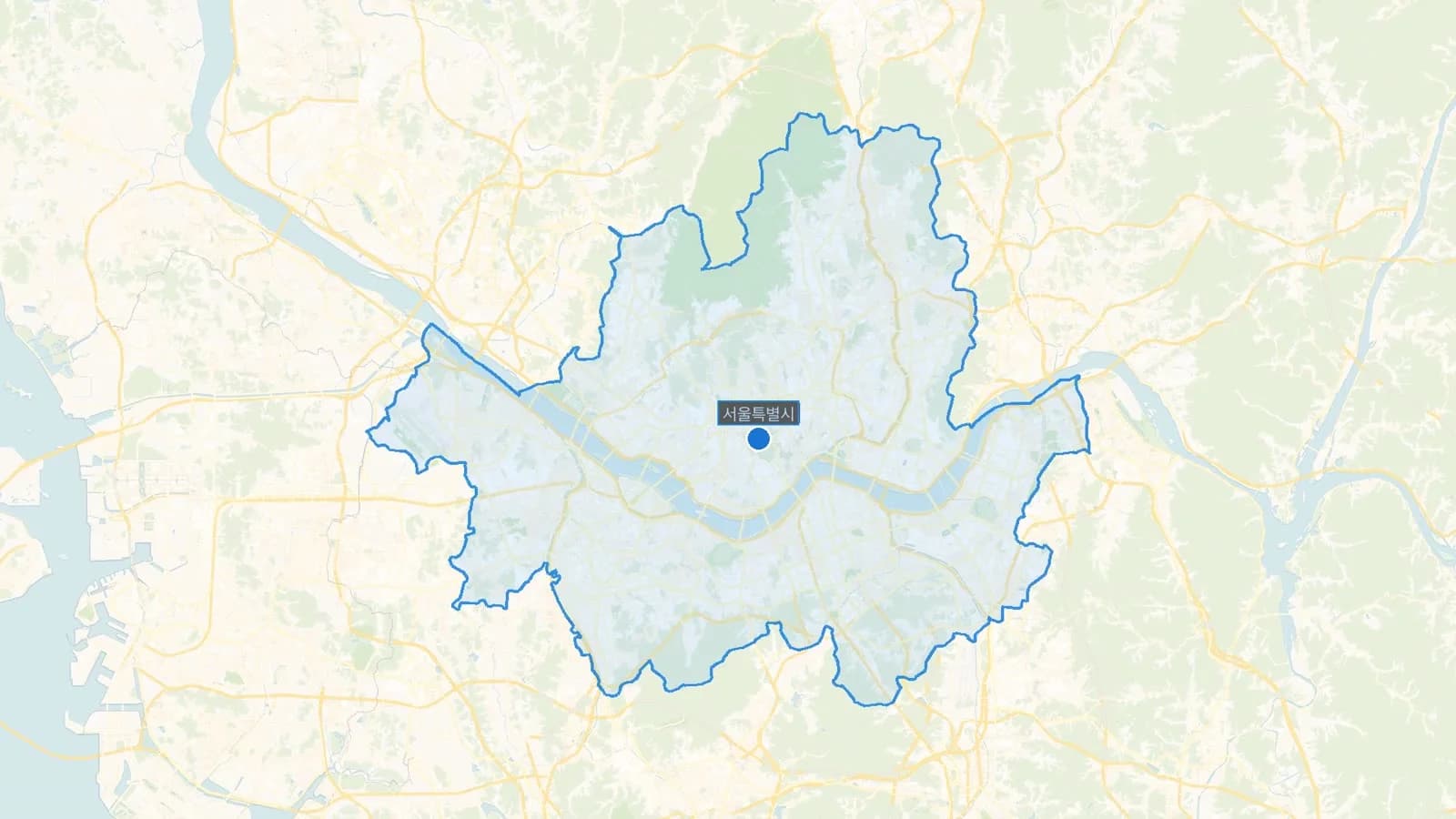
Why Google Maps Navigation Comes Up Empty in Korea
This isn't an app glitch. Korean regulations restrict exporting high-precision map data outside the country, and Google's mapping and routing infrastructure runs on servers overseas. Without access to Korea's detailed road-level data, Google Maps can locate places and show search results just fine — but it can't calculate an accurate walking or driving route on Korean streets.
The symptom is easy to recognize once you know what's causing it: you search a restaurant, it shows up correctly with a pin and reviews, but tapping "directions" returns a dotted straight line, an oddly long detour, or no route at all. It looks like the app broke. It didn't — it was never able to route here properly in the first place.
Naver Map vs. Kakao Map: What Actually Differs
Naver Map and Kakao Map are the two apps that fill the gap, and both handle walking, driving, and public transit navigation with real Korean road and transit data. Both also offer an English display mode, which switches menus, place names, and basic directions into English.
That English mode has a ceiling worth knowing about upfront: it translates the interface, not everything inside it. Open a restaurant's detail page in either app and the menu photos, most user reviews, and finer details frequently stay in Korean, even with English mode switched on. Treat "English support" as "you can navigate and search," not "you can read everything."
Beyond that shared foundation, the two apps diverge in smaller ways — how bus arrival times are displayed, how transit transfer screens are laid out, how aggressively each surfaces temporary road closures or event-related detours. Neither is objectively better across the board; most visitors settle on one after trying both for a day.
First Time Using Either? How to Search a Korean Business Name
Typing an English phonetic spelling of a Korean place name into either app's search bar is the single most common reason a search fails or returns the wrong result. Korean romanization isn't standardized enough for search engines to reliably guess what you meant.
The reliable method: find the Korean-script name somewhere — a blog post, a listing on Google Maps, a reservation confirmation — copy it, and paste it directly into the Naver Map or Kakao Map search bar. Both apps also support a camera-based translation feature that can read a storefront sign in real time, useful when you're standing outside a place with no listing you can find online at all.
Using Real-Time Transit Data Inside Either App

Both apps show live bus arrival estimates at a given stop, and both will route a subway trip down to the specific exit number closest to your destination — a level of detail Google Maps in Korea can't reliably provide.
Treat the arrival countdown as an estimate, not a guarantee. It's common for the app's predicted arrival time and the electronic sign at the physical bus stop to differ by a minute or two, since both pull from slightly different data refresh cycles. Build in a small buffer rather than sprinting out the door the second the app hits "1 min."
Why You Don't Have to Fully Abandon Google Maps
None of this means deleting Google Maps before your flight. Its saved lists and starred pins sync globally, so any research you did before the trip — bookmarking restaurants, marking a shopping list of stores — carries over and stays useful the entire time you're in Korea.
The practical split that works for most visitors: keep Google Maps open for browsing what you've already saved and for reading English-language reviews written by other international travelers, and switch to Naver Map or Kakao Map the moment you actually need to walk, ride, or drive somewhere. Running both apps side by side isn't redundant — each is doing a different job.
Planning for When Your Signal Drops
Underground station concourses and some underground shopping arcades are the spots most likely to lose signal mid-route, usually right as you're switching subway lines and need directions most.
Before heading underground, glance at your next segment and take a screenshot while you still have a connection. A saved screenshot opens instantly with zero signal; a map screen that hasn't finished loading its next tile just spins. It's a small habit, but it's the one that prevents the specific moment of standing at a confusing underground intersection with a map that won't render.
Keeping a photo of your accommodation's name and address in Korean — or the printed address from your booking confirmation — is worth the same insurance. Taxi drivers and station staff can read it instantly, no data connection required on either side.